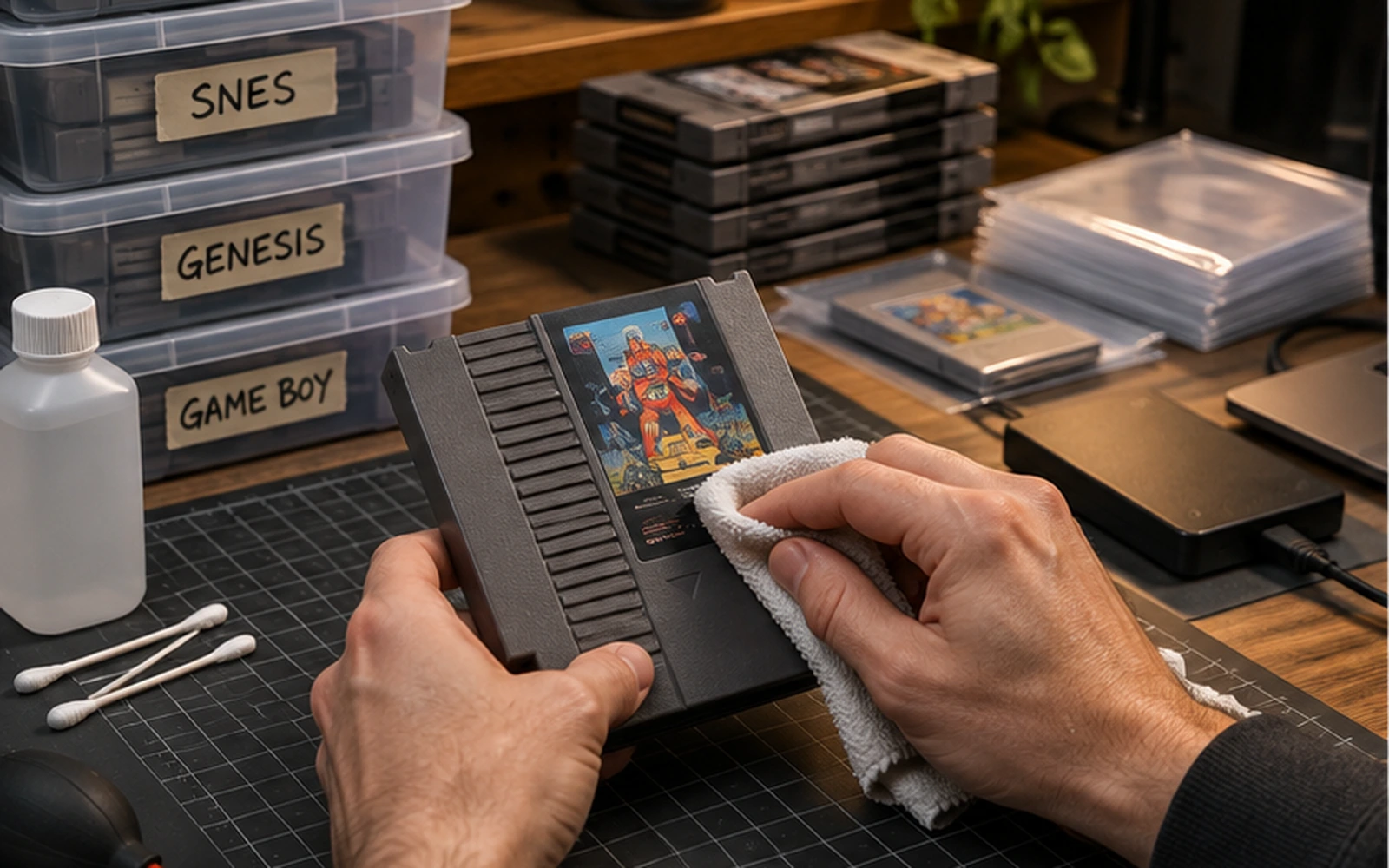
Old hardware usually fails gradually: batteries run flat, capacitors age, optical drives weaken, plastic becomes brittle and contacts oxidise. You cannot stop ageing, but you can slow it down and avoid the most common forms of damage.
Control heat, moisture and sunlight
Store games and consoles in a stable indoor environment. Avoid damp basements, hot attics and direct sun. Rapid temperature changes can create condensation, while ultraviolet light fades labels and weakens plastics.
Clean gently
Dust vents with a soft brush and use isopropyl alcohol sparingly on accessible electrical contacts. Never soak cartridges or flood switches. If a console requires internal cleaning, disconnect power and use the correct tools rather than forcing old plastic clips.
Know which saves depend on batteries
Many older cartridges use a small battery to retain save data. If a favourite game is decades old, assume the battery may eventually fail. Back up important saves before replacing it when practical.
Make backups before repairs
If a console or cartridge supports save transfer, copy valuable data before opening hardware, updating firmware or changing storage devices. Treat the backup as part of the repair process, not something to remember afterwards.
Store optical discs vertically and clean
Keep discs in proper cases, away from pressure and grit. Wipe from the centre toward the edge rather than in circles. Deep scratches, cracks around the hub and disc rot need different solutions, so inspect before attempting aggressive polishing.
Exercise hardware occasionally
Machines that sit unused for years can develop problems unnoticed. Periodic testing helps you catch weak drives, failing power supplies and controller issues before they become harder to diagnose.
Document what you own
A simple spreadsheet with model numbers, region, modifications, power-supply details and known faults saves time later. Photograph serial numbers and unusual cable layouts before moving or repairing a collection.